Multiple memberships
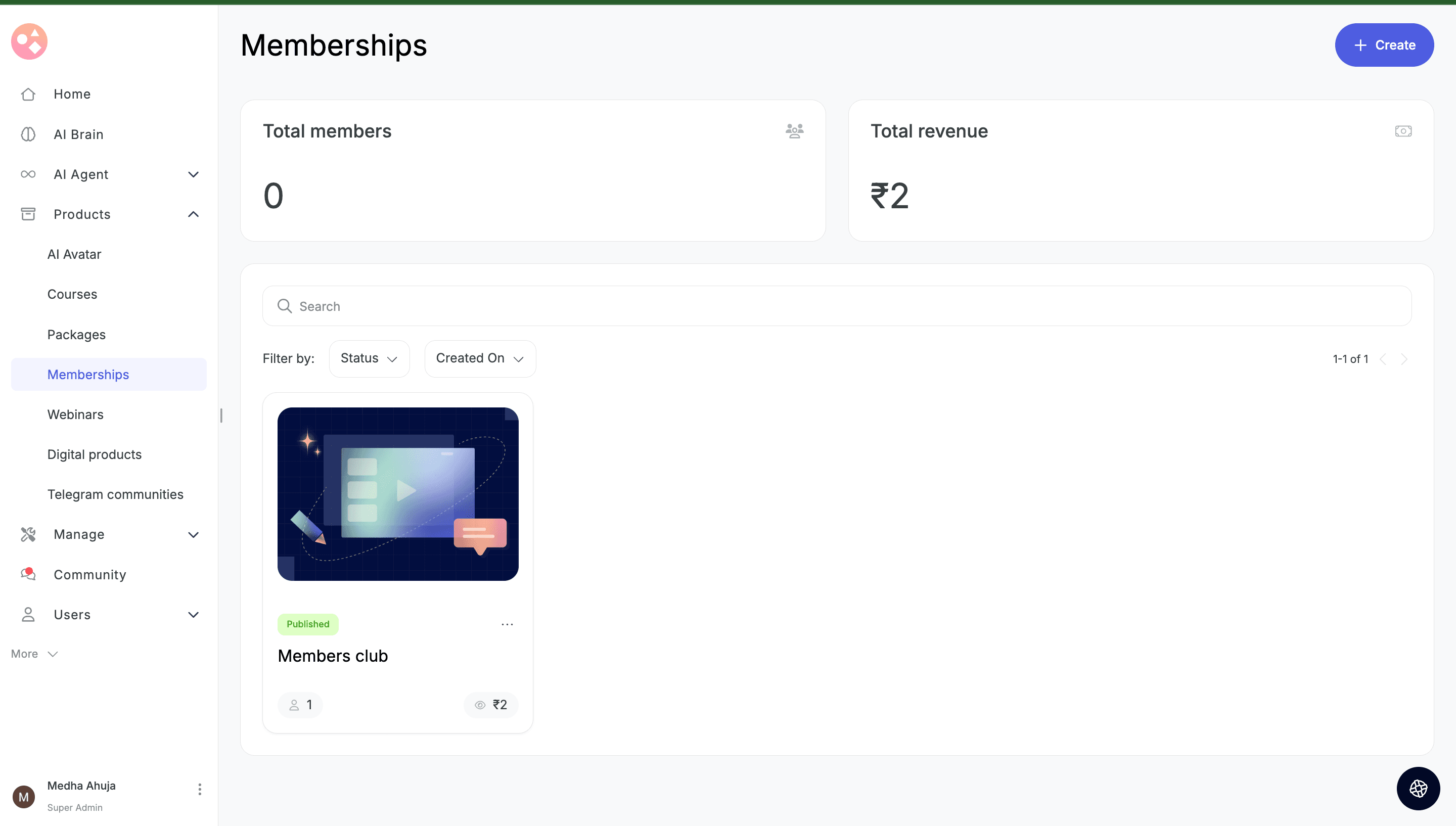
Creators can now create as many memberships as they want. Each membership has its own courses, pricing plans, FAQs, and a shared editable landing page template — making it easy to run tiered offerings, topic-specific bundles, or audience-specific memberships in parallel.
Recurring autopay for Indian creators
Indian creators can now enable autopay on their membership plans via Cashfree. Learners no longer need to manually renew every cycle — subscriptions renew automatically on the billing date. Learners can cancel anytime; cancellation takes effect on the next renewal date. Stripe (US) continues to support autopay as before. Razorpay autopay is out of scope for this release.
Flexible pricing
Each membership supports up to 5 pricing plans with three plan types: Free, OTP, and Subscription. Subscription intervals available are monthly, quarterly, yearly, and custom.
Pause & archive states
- P
Pause: Stops new sign-ups. Existing subscribers continue unaffected.
- A
Archive: No new purchases or renewals. Existing subscribers continue till their next renewal date.
Customers tab per membership
Each membership now has its own Customers tab to view subscribers, with quick actions to View Learner and View Plan.
Promo code support
Memberships are now a product type in promo code creation. Creators can search and apply codes to specific memberships, with the option to apply to new memberships only.
Campaigns filter updates
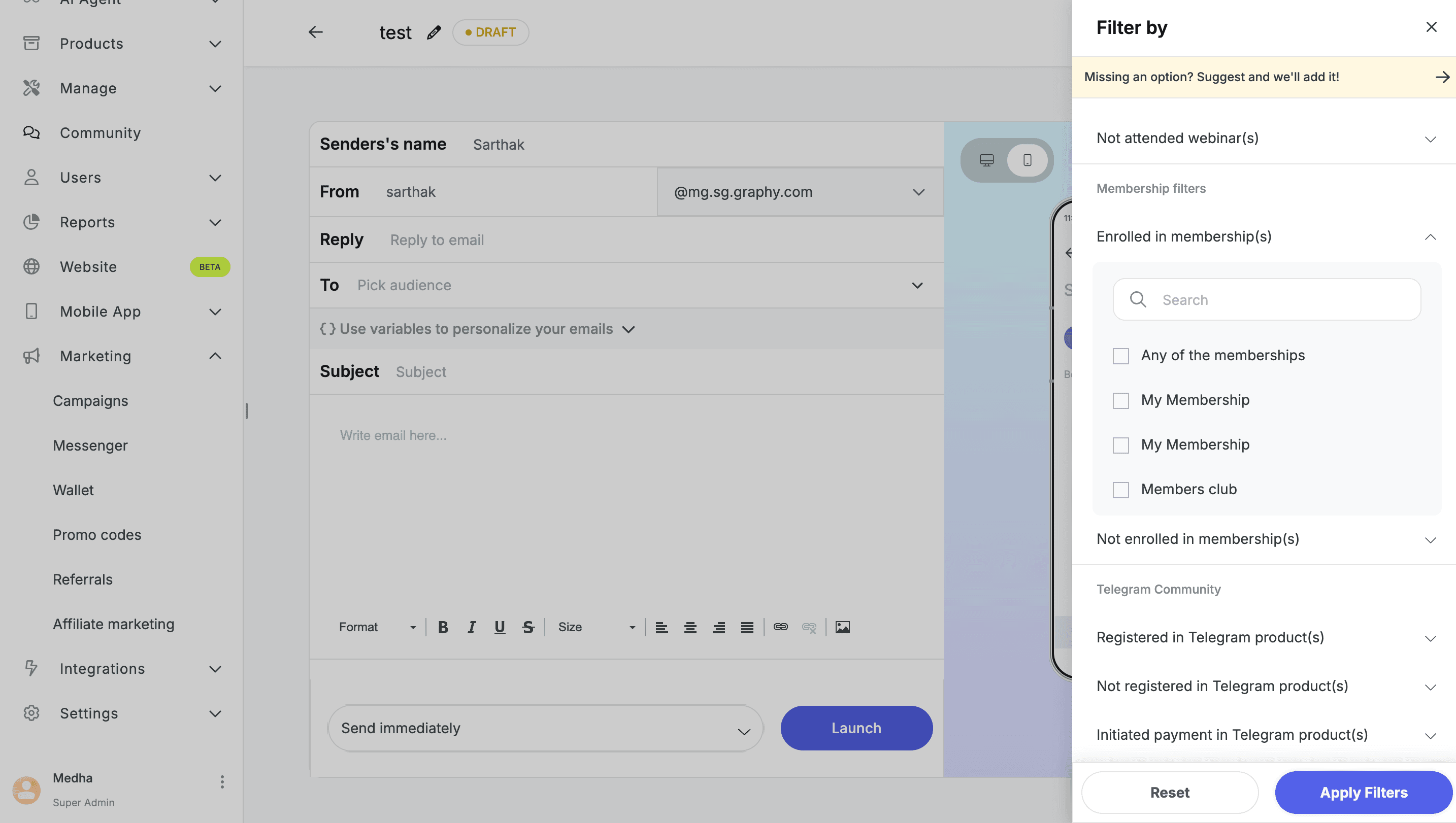
Two new audience filters are available in Campaigns: Enrolled in Memberships and Not Enrolled in Memberships. The existing membership status filter is unchanged.
Reports → Transactions
Memberships are now a supported product type under Transactions. Creators can filter transaction reports by specific memberships.
Users → Learners filter updates
Two new filters added in the Learners view: Enrolled in Memberships and Not Enrolled in Memberships. The existing membership status filter is unchanged.
Website editor changes
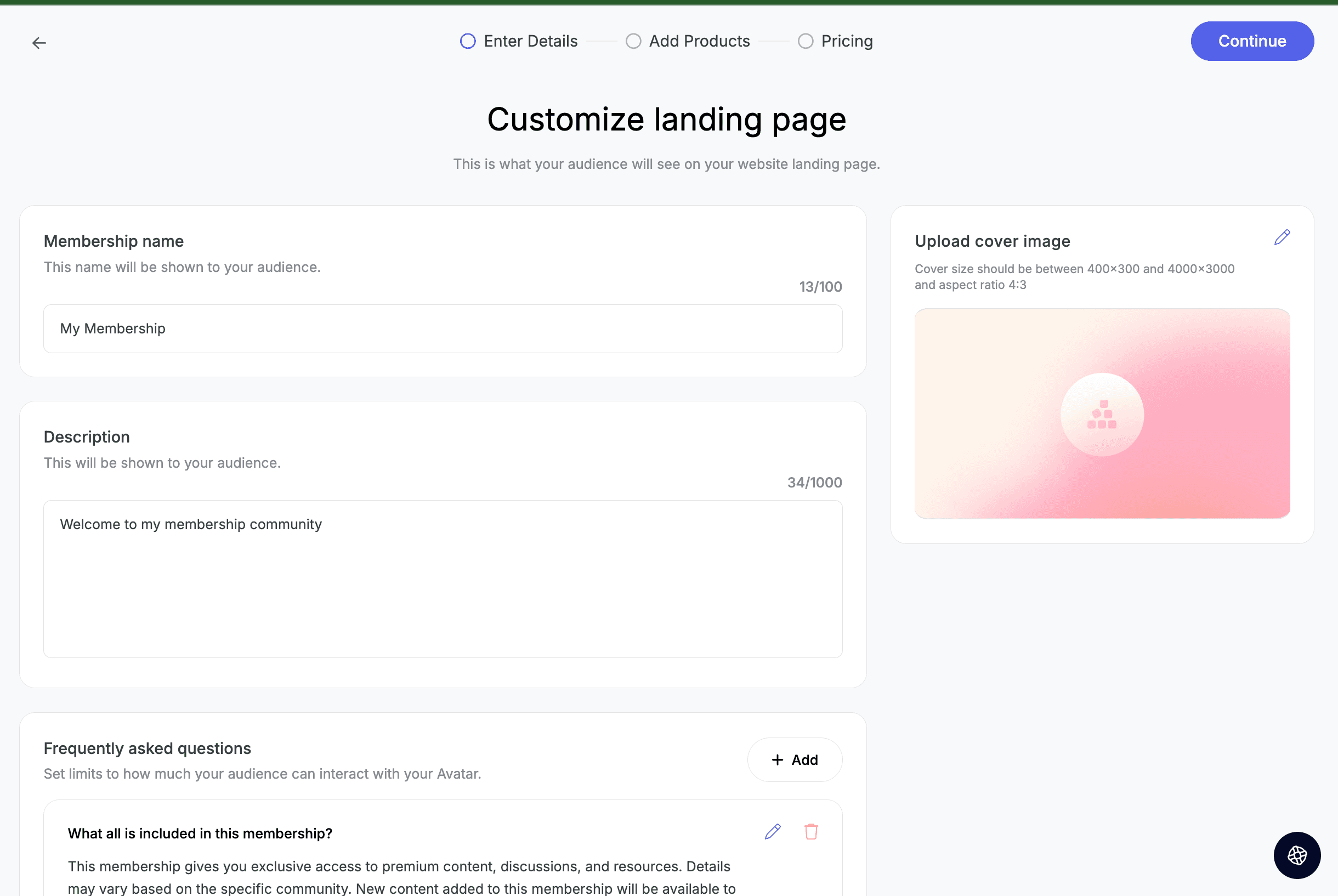
Both the membership store page and the membership landing page template are now visible in the website editor. The store page works like other store pages — creators need to update the membership link in the header if they've already added it.
For the landing page template, creators should delete existing sections and re-add them so the new multi-plan layout takes effect. Hero section behaviour: a single-plan membership shows the Buy button with price in the hero directly; multiple plans show a pricing section and the hero CTA reads “Choose a plan”.
Notes
- 1.
The Membership checkbox in the course pricing tab has been removed. Courses can now only be added to a membership from Memberships → Edit Membership → Add Courses.
- 2.
The old membership will remain visible on the membership store page.
Scope of this release
Web only
Android and iOS support coming in subsequent releases
No changes to the learner experience in this release; learners will continue to see courses that are part of a membership with an "Included in membership" tag on the course cards
In the next release, we'll add a dedicated Memberships tab on the learner side where learners can view all memberships they've purchased individually
Allow autopay on Razorpay